


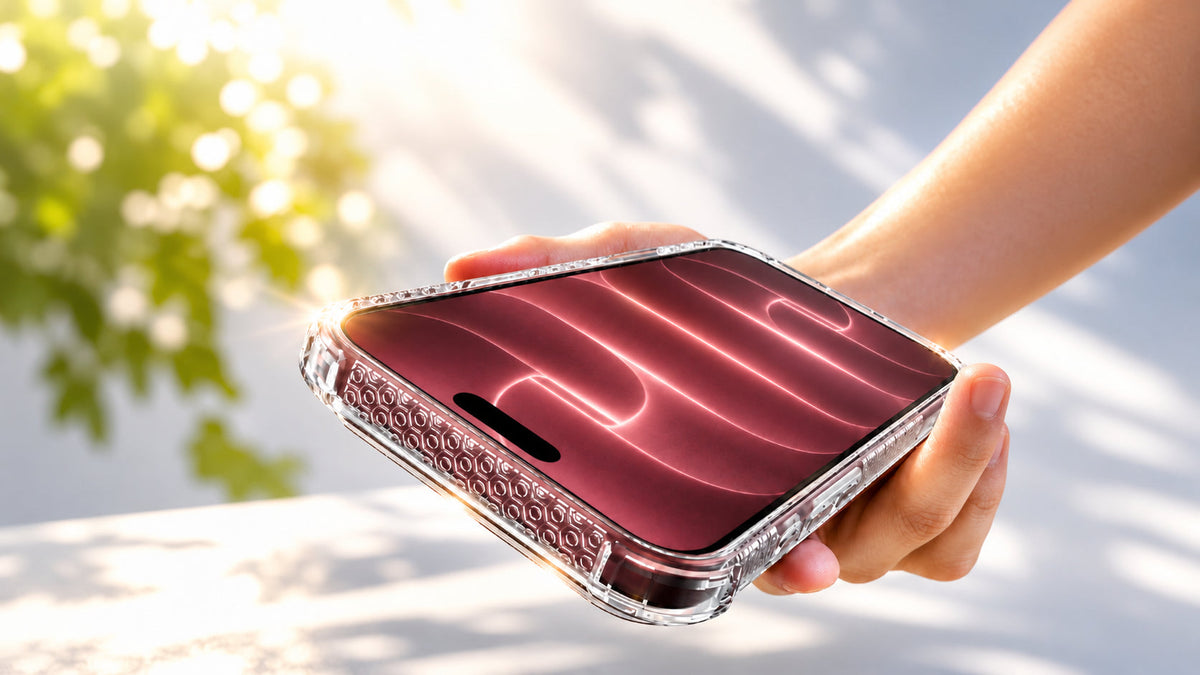
An X.One® buying guide for iPhone 18 Pro and Pro Max, with a fit guide for earlier models.
QUICK ANSWER
Choose Extreme AR if you want a flexible screen protector that can take a knock without splintering like glass. Choose Sapphire 3D if you prefer a scratch-resistant glass surface with gently curved edges. Both use AR Pro™ technology to reduce reflections, so your choice comes down to the material you want under your thumb.
Which iPhone models fit each protector?
Both protectors come in an iPhone 18 Pro size and an iPhone 18 Pro Max size. If you have an earlier iPhone, use the table to find which size to select on the product page.
| Size to select | Extreme AR also fits | Sapphire 3D also fits |
|---|---|---|
| iPhone 18 Pro option | iPhone 17 Pro, iPhone 17 (standard), iPhone 16 Pro | iPhone 17 Pro |
| iPhone 18 Pro Max option | iPhone 17 Pro Max, iPhone 16 Pro Max | iPhone 17 Pro Max |
Have the standard iPhone 17? Choose the iPhone 18 Pro option for Extreme AR. Sapphire 3D lists the 17 Pro and 17 Pro Max, but not the standard 17.
What will you notice on your iPhone?
Try reading a message at a café window or showing someone a photo beneath a ceiling light. A reflection can land right across the part of the screen you want to see. Extreme AR and Sapphire 3D both address that problem: their anti-reflective treatment helps keep the image visible in changing light. You can still see reflections, especially with a bright light directly behind you.
A better question to ask is: what bothered you about your last protector? If it chipped at the corner and left you swiping across cracked glass, start with Extreme AR. If you liked the feel of glass and want the edge to sit neatly against the screen, take a closer look at Sapphire 3D.
Extreme AR vs Sapphire 3D at a glance
| What matters to you | Extreme AR | Sapphire 3D |
|---|---|---|
| Material | Flexible hybrid polymer | Glass with a multi-layer sapphire coating |
| Surface feel | Smooth, glass-like LotusFX™ finish | Smooth, coated glass with curved edges |
| Why choose it? | A flexible layer that absorbs and spreads the force of everyday knocks | Scratch resistance and a shaped edge that follows the screen contour |
| What helps with fitting? | An alignment frame positions the protector; the air-release design helps reduce trapped air | The Installer Pro 2 tray guides alignment; a pull tab helps remove dust before the glass settles |
BEST FOR FLEXIBLE PROTECTION
Extreme AR: a flexible protector with a glass-like glide
If you like swiping on bare glass but dislike replacing chipped protectors, Extreme AR makes sense. Its Japanese hybrid polymer can flex, while Impact Fusion™ helps distribute the force of a knock across the material. That flexibility is a property of the protector; your iPhone display underneath can still be damaged in a fall.
The part you touch is finished with LotusFX™. It gives scrolling a smooth glide and makes fingerprints easier to wipe away. You get the flexible construction without having to choose a matte texture.
BEST FOR CURVED-EDGE GLASS
Sapphire 3D: glass that follows the edge of your screen
The “3D” in Sapphire 3D refers to the shape of the protector. Its edges curve to follow the contour of the display. If you often swipe in from the side to go back, that transition at the edge is a detail worth looking at alongside the glass itself.
The multi-layer sapphire coating gives the surface a smooth finish and helps resist everyday scratches. A fine mesh covers the earpiece opening to help keep pocket lint out. And if a speck of dust spoilt your last installation, the included Installer Pro 2 has a dust-removal pull tab built into the alignment process.
Before you choose
Will either protector make my screen private?
Anti-reflective and privacy protectors solve different problems. Anti-reflective treatment reduces distracting reflections. A privacy filter limits what someone beside you can see. If your main concern is someone reading your messages on the train, look for a protector specifically labelled Privacy.
Can I use one with my current case?
Check the raised lip around your case, particularly at the corners. After fitting the protector, refit the case gently and look for an edge lifting or a bubble appearing in one corner. That can be a sign the case lip is pressing against the protector.
How do I check which iPhone I have?
Open Settings → General → About and look for Model Name. Match that name to the fit guide above before ordering, especially if you’re choosing a protector as a gift.
Which would we choose?
If you are replacing glass because it keeps chipping, we’d go with Extreme AR. If your last glass protector felt right and you want a closer fit around the edges, we’d pick Sapphire 3D. Either way, you get reflection control on the display you already enjoy using.
Share:
iPhone Duo Accessories: Protect Both Screens, Your Camera and Every Fold