


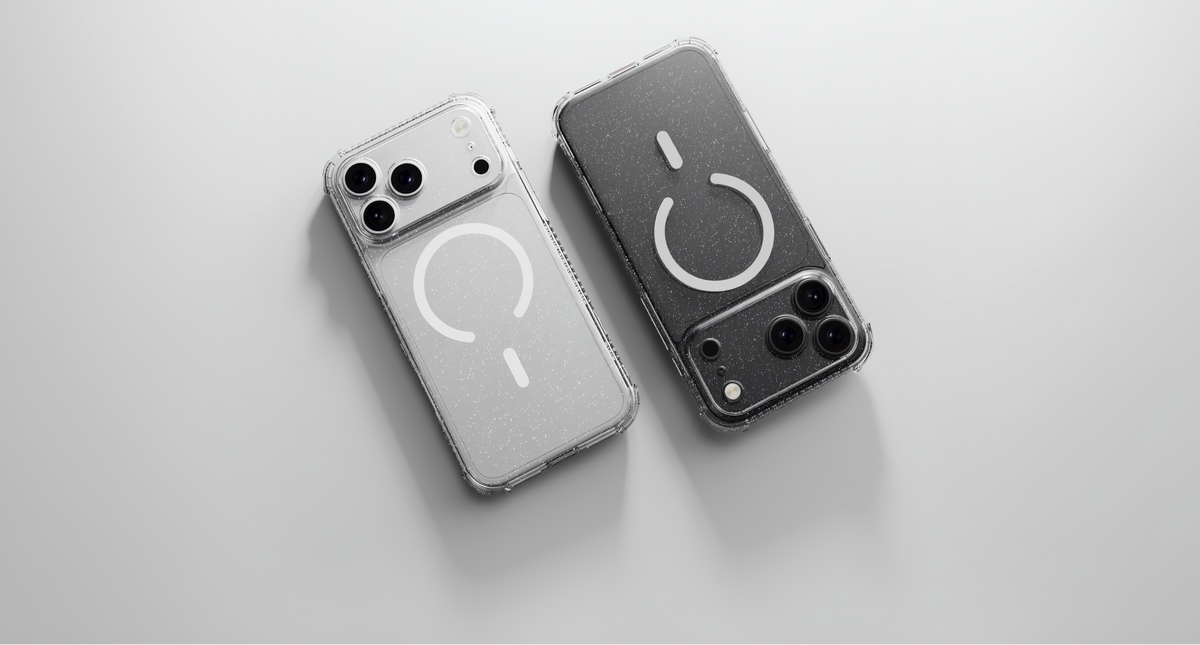
An everyday accessories guide for iPhone 18 Pro and iPhone 18 Pro Max.
QUICK ANSWER
Your new iPhone deserves accessories that fit your routine. Start with a case and a model-specific screen protector, then choose the finish and extra features that matter to you: a clear display, a matte surface or added side-view privacy.
Choose your case and protector together, then check how they work with your camera protection and charging accessories. Before purchasing, select the correct iPhone 18 Pro or Pro Max variant on each product page.
A New iPhone. A Setup That Works for You.
Once you have unboxed your iPhone 18 Pro or Pro Max, it becomes part of everyday life: navigating your commute, answering messages over lunch, taking photos with friends and catching up on a favourite game.
That is where accessories earn their place. A case needs to feel comfortable in your hand. A screen protector needs to suit the way you view and touch your display. Charging accessories need to work with the rest of your setup.
You do not need every accessory at once. Start with the essentials, then build around how you actually use your phone.
1. Start with a Case You Enjoy Using
THE EVERYDAY FOUNDATION
Dropguard Pro with EnduraClear
A STARTING POINT FOR: Clear-case fans
If you want your phone's finish to remain part of the look, a clear case is a natural place to start. X.One® offers Dropguard Pro with EnduraClear for iPhone 18 Pro and Pro Max.
Think beyond appearance when choosing your case. Consider how it feels during one-handed use, whether you prefer a slimmer or more substantial grip, and whether its listed compatibility covers the charging accessories you use.
Fit comes first: do not assume a case from another iPhone generation will fit. Only reuse one when the manufacturer explicitly lists your exact model as compatible.
2. Pick a Screen Protector for Your Daily Routine
Your screen is the surface you interact with most. Instead of choosing on a headline claim alone, think about what you want to see and feel every time you unlock your phone.
Clear HD: Keep Things Simple
Consider it for: messages, photos, videos and general everyday use.
If you do not need a matte finish or a privacy filter, Hybrid Polymer Clear HD is a straightforward option to explore. It keeps the choice focused on a clear viewing experience rather than an additional filtering effect.
Choose the Installer Kit version if you prefer an assisted alignment process. Check the exact model selection and what is included before ordering.
Matte HD: A Different Surface Feel
Consider it for: gaming sessions and a preference for a matte finish.
For some people, how a screen feels under the thumb matters as much as how it looks. Hybrid Polymer Matte HD / Gaming is the alternative to explore if you prefer a less glossy surface.
A matte finish can soften the appearance of fine detail compared with a clear finish. Choose it because you like that trade-off, not because one finish is universally better.
Privacy: For Shared Spaces
Consider it for: commuting, queues and working around other people.
If you frequently check messages in public, explore X.One® Hybrid Polymer Anti-Blue Light + Privacy. Its privacy feature is intended to limit viewing from the sides.
Check the viewing-direction coverage and display appearance before choosing a privacy protector. It is an extra layer of visual discretion, not a guarantee that nobody nearby can read your screen.
Sapphire AR+: Explore a Glass Alternative
Consider it for: a preference for a glass-based protector.
If glass is your preferred surface, include Sapphire AR+ in your shortlist. Compare the available finishes, installation method and exact device options against the Hybrid Polymer range before deciding.
3. Make Your Accessories Work Together
A good setup is more than a collection of individual products. Once your case and screen protector are fitted, check that neither pushes against the other and that the protector's edges remain seated.
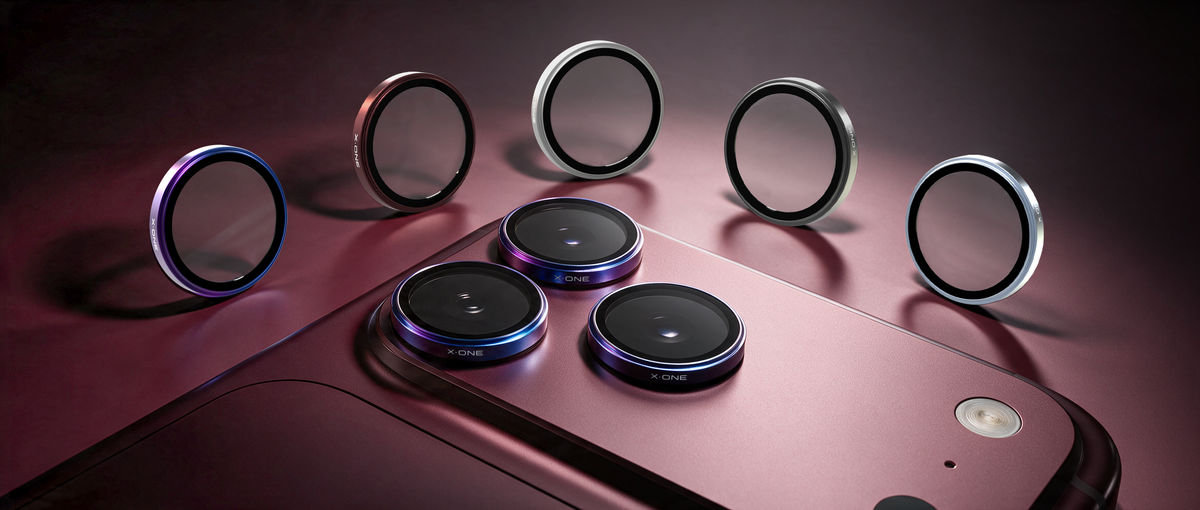
If you add camera protection, choose an option explicitly listed for your phone and check that it fits within your case's camera opening. After installation, take a few photos in different lighting conditions to check for unwanted reflections or obstruction.
Think about charging as part of that same routine. For days spent away from your desk, explore the X.ONE Power Razor Magcharge 2, checking its compatibility with your phone and chosen case. For your bedside or workspace, the TitanFlex MetalWave USB-C Cable brings a durable braided design to your everyday wired charging setup.
Whichever setup you choose, check the phone, case, charger and power adapter together. Magnetic attachment and a cable's maximum power rating do not, on their own, determine how quickly your phone will charge.
Your Before-Checkout Checklist
- Confirm your model: iPhone 18 Pro and iPhone 18 Pro Max are separate selections.
- Check every variant: a single product listing may also contain accessories for older iPhones.
- Choose your finish: clear, matte or privacy, based on your priorities.
- Check installation: confirm whether your chosen option includes an installer kit.
- Review compatibility: check the case, protector and charging accessories together.
Frequently Asked Questions
Can I reuse my iPhone 17 case or screen protector?
Only if that specific accessory is explicitly listed as compatible with your iPhone 18 model. Compatibility for a case does not automatically establish compatibility for a screen protector or camera protector.
Should I buy a case or a screen protector first?
If possible, plan them together. They cover different areas of the phone, and selecting compatible accessories from the start helps avoid fit problems. Neither makes the phone damage-proof.
Which screen protector should I start with?
Start with Clear HD if you want a straightforward clear finish. Explore Matte HD if you prefer a matte surface, or a privacy option if side-view discretion matters to you. Always check that the product offers your exact phone model.
Can a screen protector prevent all screen damage?
No. A protector is a replaceable layer, not a guarantee against damage. Handle your phone carefully and replace a protector that is damaged, lifting or interfering with visibility.
Make Your First Upgrade the Everyday Essentials
Your iPhone 18 Pro or Pro Max is going to travel with you through busy mornings, long commutes and weekends away. Choose accessories that feel right for those moments.
Start with a case you enjoy holding and a screen protector that suits the way you use your display. Then add the extras that make your routine easier.
New phone. Everyday protection.
Find your fit with X.One® accessories. Select your exact model before adding to cart.
Explore Screen ProtectionProduct availability, model options and offer terms may change. Check individual product listings before purchasing.
Share:
Best Silicone Phone Case for iPhone 18
Your iPhone 18 Pro Deserves a Case Like This